
Inventory
Ledgerly's inventory is fully integrated with the accounts: stock movements post value into your books, so your Balance Sheet's inventory figure always matches the stock ledger.
Products & services
Inventory → Products is your item master — goods and services, with stock on hand, pricing, HSN/SAC codes and the accounts each item posts to. Add items one by one, or bulk-import them from Excel (see Imports & migration).
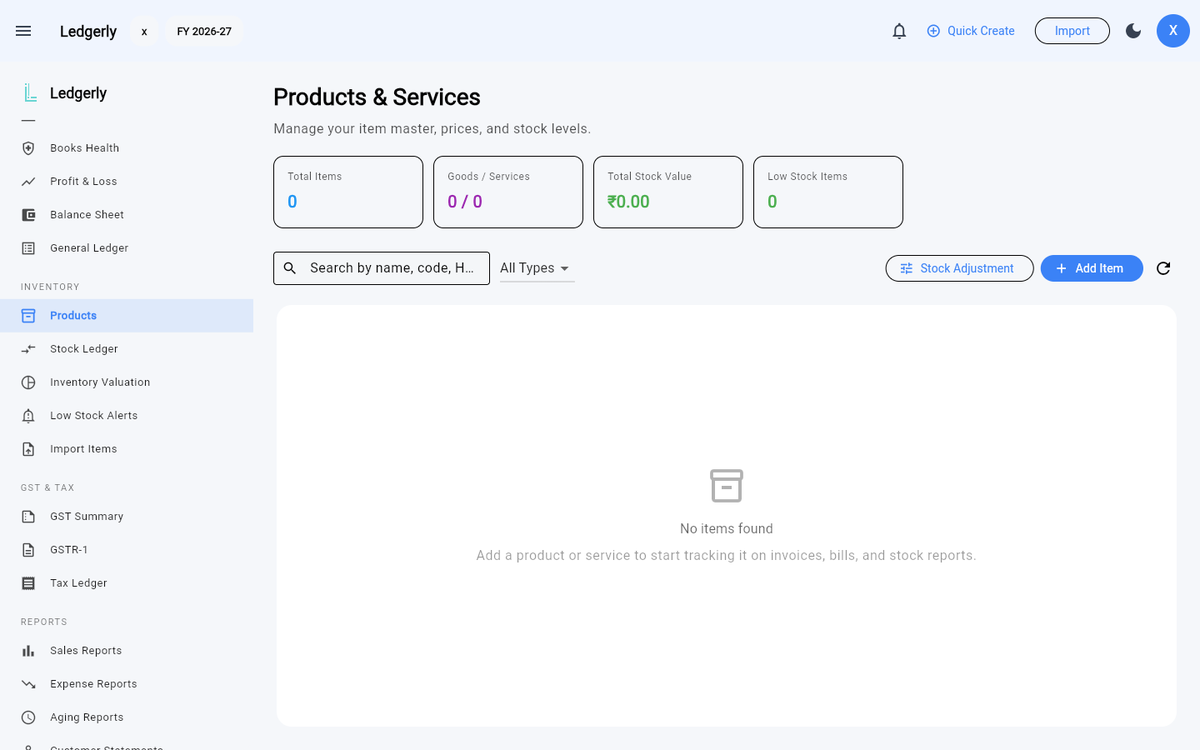
Inventory → Products — the item master, ready for your first product or a bulk import.
How stock moves
- Purchase bills increase stock and update the item's weighted-average cost.
- Invoices decrease stock and post cost of goods sold at that weighted-average cost.
- Stock adjustments handle everything else — damage, counting differences, opening stock — with a reason and a balancing journal entry.
Stock ledger
Inventory → Stock Ledger shows every movement for an item — what came in, what went out, and the running balance — so you can trace any quantity back to its document.
Valuation
Inventory → Inventory Valuation values your stock on hand at weighted-average cost, item by item, and ties out to the inventory account in your Balance Sheet.
Low-stock alerts
Give items a reorder level, and Inventory → Low Stock Alerts lists everything at or below it — so you reorder before you run out, not after.